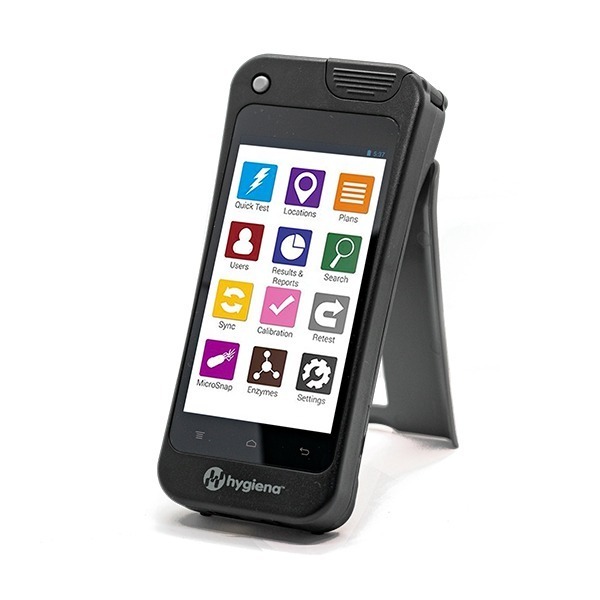
Hygiena Calcheck Calibration Verification Pen Tool Introducing Hygiena’s CalCheck, a pen-sized calibration verification tool for your Hygiena luminometers. The Hygiena CalCheck is a easy-use tool that can help provide proof and justification that your readings from your luminometers/ATP meters are accurate, giving peace and mind to your client’s about your methods and reports. The CalCheck is highly relevant for post remediation verification and hygienist inspections, giving that extra layer of professionalism and assurance. This CalCheck is built and designed for the Hygiena EnSure & the SystemSure ATP meters. Highlights of this unit include that this is a once off purchase, as this unit can be used over and over again. It’s small size means its easy to carry to any job. Consistent testing weekly or monthly can ensure that your meter stays calibrated. In situations where calibration failure has been detected, the process for calibration can be started quickly and without delay, avoiding false readings on reports which have large consequences. Storage For storage, ensure that your CalCheck sits in a temperature around 10-25 degrees Celsius. If it should be exposed outside these temperatures such as in sunlight or refrigeration then keep it at room temperature for 30 minutes before use. How To Use Hygiena CalCheck For SystemSure use, simply insert the CalCheck into the luminometer, close the lid & press okay. After 15 seconds, a reading in RLU should be given. This is a negative check. For a positive check reading, insert the CalCheck into the meter and press the button on top of the CalCheck & close the lid. Pressing okay will start the reading. This should provide you with a positive check reading in RLU after 15 seconds. The Ensure is even easier, as you have on screen prompts. Simply select the calibration menu to start. If your positive and negative checks are outside these ranges, then this will indication calibration failure, and therefore needing calibration. Click on the Resources tab for more in-depth product instructions.